JavaScript Programming Fundamentals, Day 4 – Crashing Loops, Giving Up
Theoretically, I should be shoulder-deep in a pool right now, moving vaguely to the booming speaker in my aqua fit class, but they run it three times a week, I can go on Wednesday. I am sleepy, I want to sit on the couch knitting a glow-in-the-dark bikini top and finishing off the audiobook version of Yesteryear, or sort out those random saplings that keep appearing in my garden, or anything but going to the gym.
So instead, oh boy, more JavaScript. My ultimate dream.
I feel like I've forgotten everything I learned in the past two sessions though. Thank past me for decided that the Results section each day would include the basic notes on what I learned. I mean, there's not that much that I've learned, but it helps.
Lord, does it help.
06 — For Loops
First off, just going along and typing his loop into JSBin while he's typing it in...it crashed JSBin.
That is astounding.
It has to do with the fact that it has "Auto-run JS" set up, so I'm guessing the half-written 'for' loop went terribly wrong, but that is definitely an achievement.
But, okay, auto-run JS switched off, time for a loop.
My array is:
var directors = [
  "David Lynch",
  "David Cronenberg",
  "Guillermo del Toro",
  "Ryan Coogler"
];
Then he brings in:
var stringToDisplay = "<ul>"
I stop here and switch my HTML to be <div id="output"> because I still hate sticking <ul>s in <p>. The div will work nicely.
Then the 'for' loop is:
for(var i = 0; i < directors.length; i+1){
stringToDisplay += "<li>" + directors[i] + "</li>";
}
And finishing off with:
stringToDisplay += "</ul>";
document.getElementById("output").innerHTML = stringToDisplay;
And it crashes JSBin again.
It's something in the 'for' loop.
Okay, so, let's strip out the whole "adding 1 to the group", and see if that works.
var directors = [
  "David Lynch",
  "David Cronenberg",
  "Guillermo del Toro",
  "Ryan Coogler"
];
var stringToDisplay = "<ul>";
var i = 0;
stringToDisplay += "<li>" + directors[i] + "</li>";
stringToDisplay += "</ul>";
document.getElementById("output").innerHTML = stringToDisplay;
Which gives me (in the HTML):
<div id="output">
<ul>
<li>David Lynch</li>
</ul>
</div>
Good. Okay, we have that.
So I put in, right after `var i = 0":
i = i + 1;
Which returns me with David Cronenberg. Good. That is correct.
So we remove var i = 0 and i = i + 1 from the main script and put it in the for loop, also bringing in the command that i needs to be less than the length of the directors array:
for (var i = 0; i < directors.length; i+1){
  stringToDisplay += "<li>" + directors[i] + "</li>";
}
Initially, I accidentally used the variable that he put in (sentences) instead of directors, and it didn't return a result, but it also didn't crash.
Once I switched to directors, it crashed. So the problem is entirely with i < directors.length.
So I try switching it to <=. And it crashes.
Is it directors.length? I try putting in above the for loop:
stringToDisplay += stringToDisplay + directors.length;
I get back a 4, so it's not that.
It's something to do with i [FUNCTION] directors.length being in that for loop.
Maybe I need to switch the order.
directors.length > i
Crashes again.
Okay, I've got six minutes left in the video. Maybe he'll magically show me where I'm going wrong, even though I'm following his goddamned code.
He finishes this section by showing me how to break and continue, which I suppose would work if my code wasn't crashing anyway, and then he goes straight into nested for loops.
And...no.
If the first loop isn't going to work, additional loops aren't going to work.
I've had it with this course. Nothing works the way he's typing, I don't have source code to see where I'm going wrong, and I'm completely at a loss for my JavaScript isn't working.
Introduction to JavaScript, you are over.
I wonder if Advanced JS — Next Generation JavaScript will be better. There's only one way to find out.
01 — What Will We Learn In This Section
So apparently, I'm going to be learning:
- Declare variables with let and const
- Blocks and IIFEs
- Strings in ES2020+
With a coding challenge at the end.
None of those acronyms make sense. Let's see what happens.
02 — Declare Variables with Let And Const
It starts with a file index in Visual Basic. That's pretty nice. I'll be using Sublime Text.
He decides to set it up as a live server on his computer, which is a little odd, because it's just HTML and JavaScript. It doesn't really need to connect to anything, does it?
I mean, literally, the HTML is:
<!DOCTYPE html>
<html>
<head>
  <meta charset="utf-8">
  <meta name="viewport" content="width=device-width">
<script src="test.js"></script>
</head>
<body>
<h1>Me and My JavaScript</h1>
</body>
</html>
And the JavaScript is currently
console.log("This works!");
(I did some slight file renaming, but, same difference.)
If it does later, then I'll look into that, but right now, nah, it's just being opened up in my everyday browser.
Actually, before I go further into his variables, I'm going to try and see if I can get that stupid for loop to work outside of JSBin.
Ooh, damn, that also freezes up the browser.
Never mind.
Back to this guy and his variables.
So he's discussing how instead of just var, there's now the option to use let, and I'm thinking "this is good, I get this," but I also see exactly where I'm going to not be able to continue, because he keeps referring to his beginning JavaScript course, and I think I really need a good beginning JavaScript course.
So as much as I like this guy and what he's doing, I'm throwing in the towel.
Day 4 — Results
- I don't know how to write a
forloop that behaves. - I need to find a better JavaScript course.
I entirely know that some BlueSky reply-guy is going to pop up and go "UM ACKUALLY" and get into great complicated details about where I'm going all wrong with my for loop, but, right now, no, I don't want to hear it. I'm incredibly frustrated, I'm incredibly angry at this course, and I'm also sad that something as fucking simple as a for loop is breaking me.
Today's Sticker
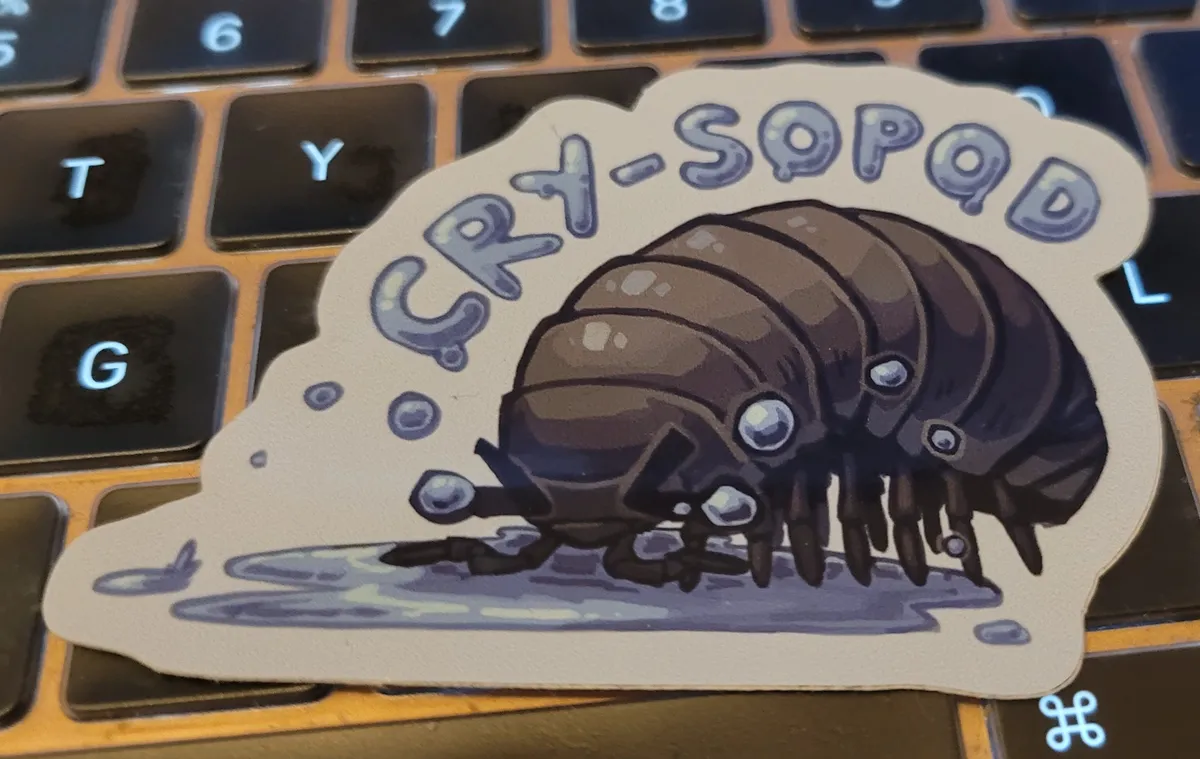
I'm going back to Goodlouse's Crysopod. Because that is my mood.