Learning JavaScript, Day 10 – While and Breaks
Dang, I am freakin' productive today. I went to the gym, I went to pick up some odds and ends I needed for groceries...
I took a photo of this:
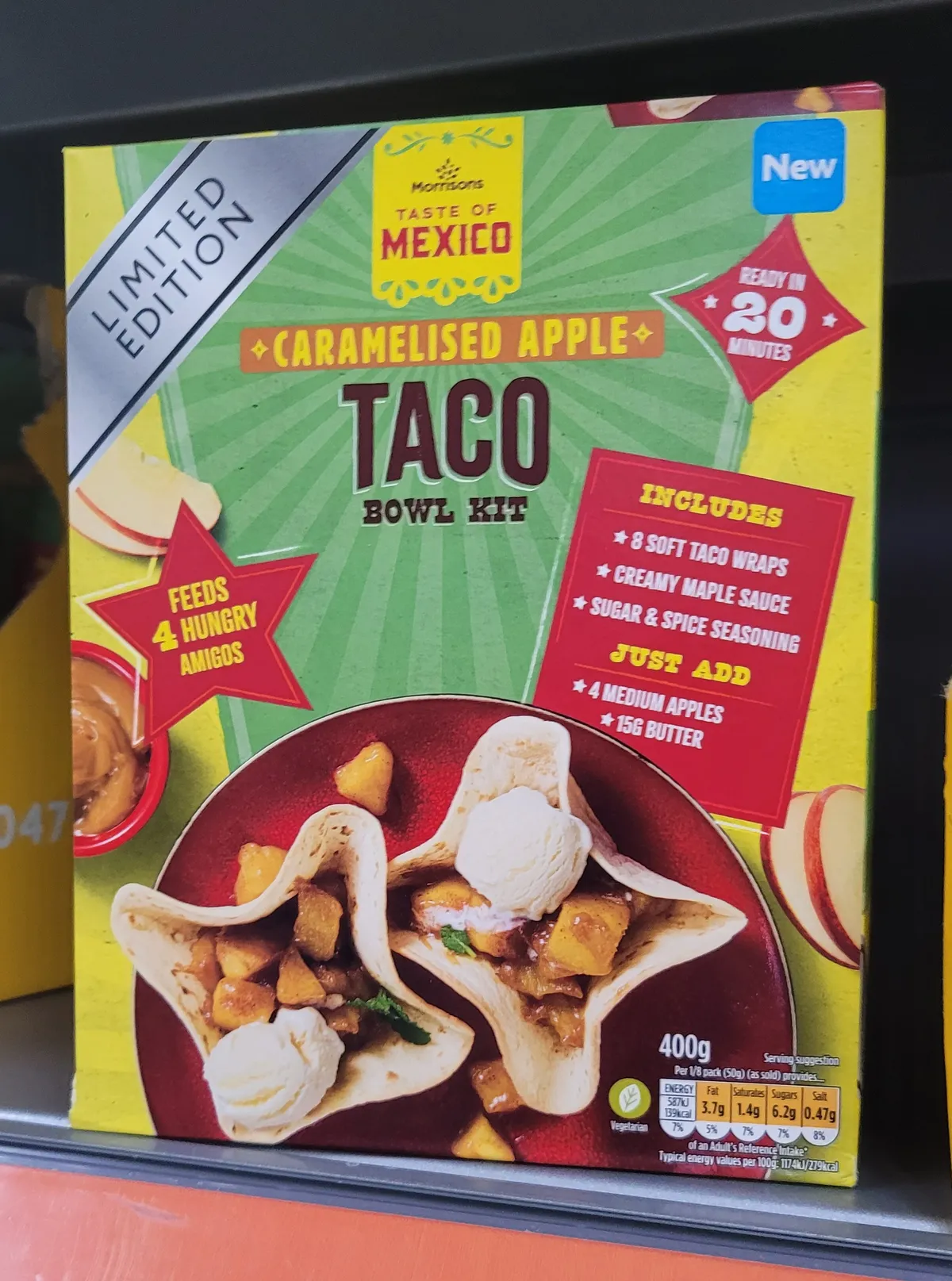
What hath God wrought.
(Although, tbh, I did buy these:
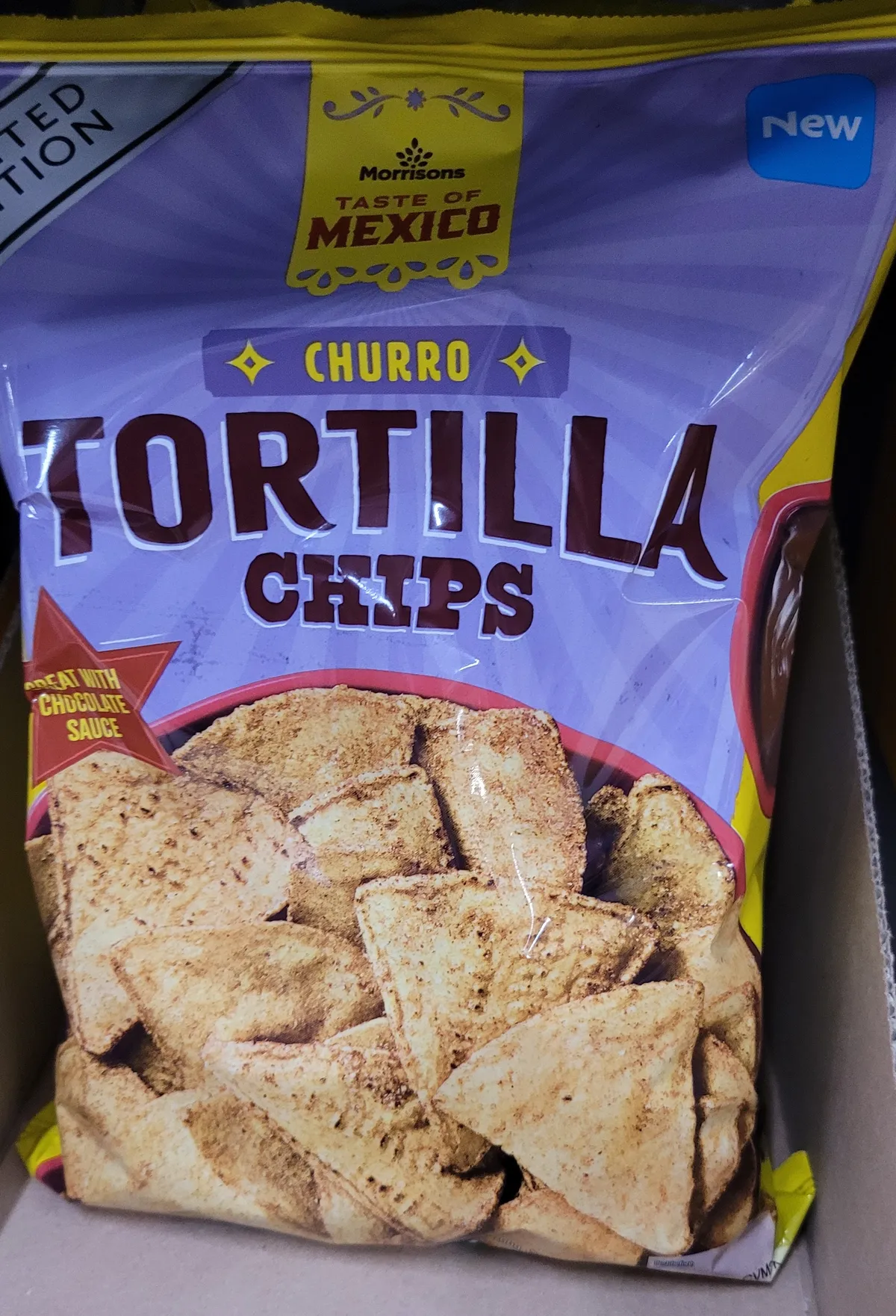
So I really should not be throwing stones.)
Okay, no, I am no longer going to make fun of some food items. I'm going to get back into loops.
JavaScript While Loops
I like while. It is a good thing to know. I can do things like this:
let text = "";
let i = 10;
while (i >= 0) {
	text += "T minus " + i + "<br>";
	i--;
}
do while is also cool, and I kinda get why you would have it, because it executes the code even before you test it. So you can have, like:
let text = ""
let i = 0;
do {
	text += "<br>The number is " + i;
	i++;
}
while (i < 1);
Which means you'll always get The number is 0, because it goes through the code and then goes "Oh, wait, i is 1 now, so much for that. "
They then point out that while is a lot like a for loop if you don't have the first or the third statement included. So for (;condition 2;) is just like while (condition 2) which makes life so much easier for me, because now I don't have to remember to add in the ; all over the place.
JavaScript Break
Ahhhh. One of the most important things in the world. That old break, which makes things stop.
Although their example is kind of annoying, because I can't quite see why you would bother.
let text = "";

for (let i = 0; i < 10; i++) {
	if (i === 3) { break; }
	text += "The number is " + i + "<br>";
}
Surely you'd just go i < 4?
Like, I get it existing to stop endless loops, and it makes sense in arrays, but this example just kinda annoys me.
It makes sense in their switch demo though:
let day;
switch (new Date().getDay()) {
	case 0:
		day = "Sunday";
		break;
	case 1:
		day = "Monday";
		break;
	case 2:
		day = "Tuesday";
		break;
	case 3:
		day = "Wednesday";
		break;
	case 4:
		day = "Thursday";
		break;
	case 5:
		day = "Friday";
		break;
	case  6:
		day = "Saturday";
}
This you'd obviously do, because you want it to stop after it reaches the right day.
They then get into labels, which means you can specify which loop you want to break. Which I guess makes sense, but their example is hard for me to parse, just because it's a pile of numbers, and numbers always get a bit wriggly for me.
let text = "";
loop1: for (let j = 1; j < 5; j++) {
	loop2: for (let i = 1; i < 5; i++) {
		if (i === 3) { break loop2; }
		text += i + "<br>";
	}
}
When you run loop1, it takes j and increases it by 1 until it reaches 5, when it stops. Inside loop1 is loop2, where it takes i and increases it by 1 until it reaches 5, and it repeats that until i is equal to 3 both in value and type.
Because it's breaking on loop2, that means you get:
1
2
1
2
1
2
1
2
Which is four times the i loop, because loop1 keeps on rolling. If I switch the break to loop1, it does this:
1
2
Because it only gets to run once before i hits the 3.
I think.
I would get this so much better if it wasn't focused on numbers.
So, yeah, the next example helps, I think.
const pirates = [
	"Anne Bonny",
	"Jack Rackham",
	"Mary Read",
	"Edward Teach",
	"Israel Hands",
	"Jean Lafitte"];
let text = "";
piratelist: {
	text += pirates[0] + "<br>";
	text += pirates[1] + "<br>";
	text += pirates[2] + "<br>";
	break piratelist;
	text += pirates[3] + "<br>";
	text += pirates[4] + "<br>";
	text += pirates[5] + "<br>";
}
I put break piratelist in the middle, I only get the first three names. I take it out, I get all the pirates.
JavaScript Continue
continue makes sense in their examples, but I can't get it to work with the pirates bit above. Huh. Why doesn't this work?
const pirates = [
	"Anne Bonny",
	"Jack Rackham",
	"Mary Read",
	"Edward Teach",
	"Israel Hands",
	"Jean Lafitte"];
let text = "";
piratelist: {
	text += pirates[0] + "<br>";
	text += pirates[1] + "<br>";
	text += pirates[2] + "<br>";
	continue piratelist;
	text += pirates[3] + "<br>";
	text += pirates[4] + "<br>";
	text += pirates[5] + "<br>";
}
Surely it'd just skip Edward Teach and give me the rest?
But apparently not. I just get nothing.
Okay, so then I try:
if (pirates[3] === "Edward Teach") {continue piratelist;}
Because that's very similar to the example they give me:
for (let i = 1; i < 10; i++) {
	if (i === 3) { continue; }
	text += i*10 + "<br>";
}
But, no.
Huh.
I'll have to play around with it a bit later, I think. There must be a way to get this to behave.
JavaScript Control Flow
So apparently, JavaScript likes to run code from top to bottom, left to right. That's fine, that's cool, I get that. Heck, that's how I'm reading it anyway.
It then gets into how using, like, if and if else lets you make decisions, that for and while let you create loops, and break and continue let you jump around. And then points out that function is a reusable code block that you can call all the time in the script.
And then that JavaScript is single-threaded, meaning it can only do one thing at a time. But you can run code asynchronously, which is covered in the advanced section...so I'm tabling that for much much later.
While I get that this is stuff that's good to know, I don't know if this is the right place to put it. Maybe it should've been after Operators and before If statements?
Day 10 — Results
whileloops run while a condition is true. It'swhile (condition) { code }do whileloops run while a condition is true, but execute the code first before it runs the condition. It'sdo { code } while (condition)whileis like aforloop with the first and third conditions removed.breakstops the loop from running.- You can label statements by using
name: statement. - You can then apply
breakto that particular statement.break name; - If you want a loop to skip a condition, you put in
continue.
I'm stopping there, because the next section is all about strings, and I'd rather start afresh with strings. Which will be fun.
Today's Sticker
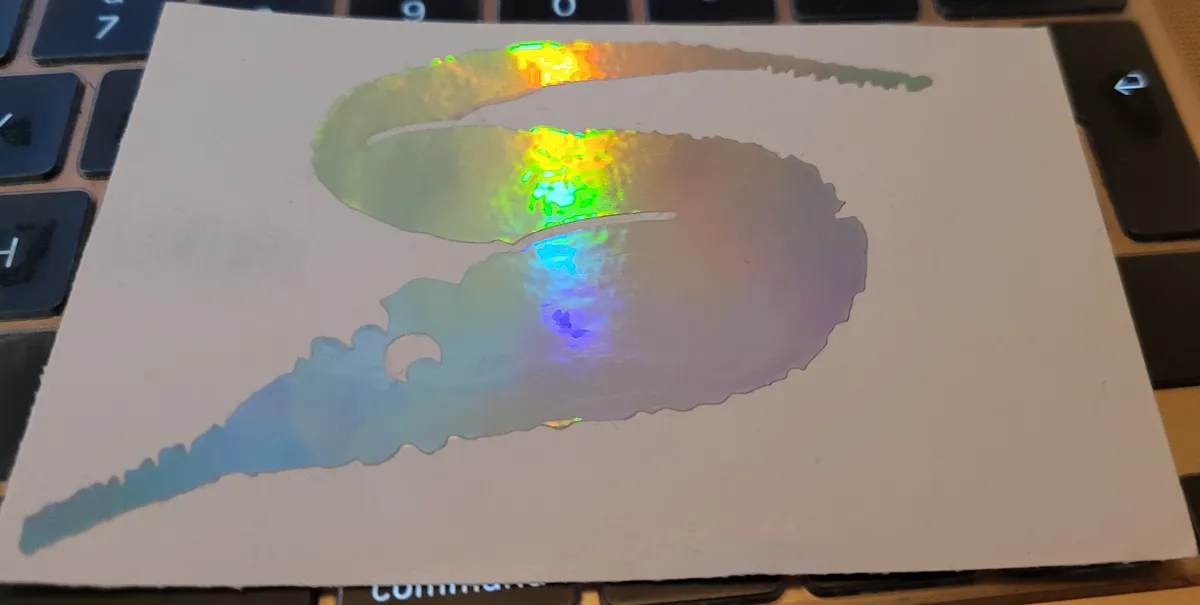
I live for Shifty Thrifting and giving me a holographic fuzzy worm sticker is just one of the wonderful things they've done for me.
However, I have just discovered that they do a Data Protection Is Everyone's Responsibility Hoodie and, oh no, it's gonna happen. I need it. Not right now, because I already own too many hoodies, but, yeah. It's gonna happen. Some day.