Learning JavaScript, Day 12 – String Methods
I'm taking it easy today because tonight I'm going to see a Talking Heads cover band do all of Stop Making Sense, and tomorrow is a queer goth club night, so, really, my days are filled with nothing but my nights are taking off.
Except that's not entirely true. My days are filled with JavaScript. Such excitement!
JavaScript String Methods
These are things you can do to make strings do things. So I'm going to go through all the examples making up new and ridiculous examples.
String Length
length returns the length of the string.
So if I say
let filler = "This string is exactly 42 characters long.";
let fillerLength = filler.length;
I get 42 as the answer. Yep.
(I thought it'd be 43, but it turns out that when Sublime Text shows me which column I'm in, it's looking at the character I'll type next, not the one I've just finished.)
Extracting String Characters
charAt() returns the character as a specified position.
let filler = "This string is exactly 42 characters long.";
let fillerChar = filler.charAt(23);
I thought that it was (24) to get 4, but then I forgot that position and numbers start with 0, so of course it's (23).
'charCodeAt()' returns the UTF-16 Unicode of the character. I thought I could easily test this, but all the UTF-16 Unicode charts are showing me, like, \u002a, whereas the charCodeAt() is showing me 42. And I thought I made it really simple.
let text = "*";
let textCode = text.charCodeAt(0);
I suppose this requires a deeper dive into UTF-16 and Unicode, so I'm just going to leave it as is now.
And I don't get what codePointAt() actually does, except give me the same value as charCodeAt(). They say "...returns the code point at a specified position in a string" but what's a code point anyway?
at() at least makes sense. Rather than doing charAt(), it's just at() and gives the same response.
let filler = "This string is exactly 42 characters long.";
let fillerAt = filler.at(23);
Oh, but it apparently also lets you do negative numbers. Huh. It gives me undefined when I try it out, unsurprisingly, but there must be a way for it to work well. I'll have to investigate further.
I can also just use [] to get my character, rather than at().
let filler = "This string is exactly 42 characters long.";
let fillerAt = filler[23];
Neat.
JavaScript String Concatenation
Ooh, instead of having a whole bunch of +, I can just concat() it.
let filler1 = "This string is";
let filler2 = "exactly 42";
let filler3 = "characters long.";
let filler = filler1.concat(" ", filler2, " ", filler3);
It's about the same amount of work as
let filler = filler1 + " " + filler2 + " " + filler3;
And I keep on accidentally typing contact instead of concat because of sense memory, but it's still nice to have, especially if I'm going to be stuck putting in a bunch of spaces.
Hmmm. Hang on.
let filler1 = "This string is";
let filler2 = "exactly 42";
let filler3 = "characters long";
let filler4 = " ";
let filler = filler1.concat(filler4, filler2, filler4, filler3);
Nice.
Extracting String Parts
slice() extracts part of the string and returns the extracted part.
let filler = `This is the song that never ends
It just goes on and on my friend`;
let fillerEnd = filler.slice(28, 32);
ends
And if I don't put in the second parameter
let filler = `This is the song that never ends
It just goes on and on my friend`;
let fillerEnd = filler.slice(33);
It just goes on and on my friend
And this is where negative numbers come in, because if I put in a negative number, it counts from the end of the string.
So since the string is 65 characters long...
let filler = `This is the song that never ends
It just goes on and on my friend`;
let fillerEnd = filler.slice(-32);
It just goes on and on my friend
And then if I do both negative numbers in my parameters.
let filler = `This is the song that never ends
It just goes on and on my friend`;
let fillerEnd = filler.slice(-65, -33);
This is the song that never ends
substring() does the same, but you can't use negative numbers in it - it just reverts those to 0.
let filler = `This is the song that never ends
It just goes on and on my friend`;
let fillerEnd = filler.substring(-33, 32);
This is the song that never ends
Upper and Lower Cases
toUpperCase() and toLowerCase() are pretty straightforward.
let phrase = "Don't talk to me, I'm angry."
let yell = phrase.toUpperCase();
let mumble = phrase.toLowerCase();
DON'T TALK TO ME, I'M ANGRY.
don't talk to me, i'm angry.
Well Formed
These two I don't quite know what the use case is yet. The course tells me they're used if there are "lone surrogates", which are "Unicode surrogate code point that is not part of a valid surrogate pair used to represent characters in UTF-16 encoding."
I have absolutely no idea what that means.
But if I did know, I would know that isWellFormed() tells me true if the code is well-formed and false if it's not.
And that toWellFormed() replaces all the lone surrogates with U+FFFD which shows up as that little diamond-with-a-question-mark symbol. � if � shows up.
Still don't fully get it.
Trim And Padding
However, messing around with white space? Oh, this I get.
let filler = "       I just pasted in whatever woo boy.       ";
let cleanFiller = filler.trim();
Oh, that is so nice for cleaning up bad form inputs. Mm, yes.
There's also 'trimStart()', which just takes it off the start. And trimEnd() that takes it off the end.
Alas, they don't work if you have a character that isn't white space at the start or the end. I'm not surprised, but I was just kinda hoping.
And, of course, if you can take away the white space, you can put something back. padStart() lets you put in another string from the start and padEnd() does the same from the end.
let filler = " barracuda";
let padFiller = filler.padStart(14,"o");
oooo barracuda
let filler = "yo-de-lay-he-";
let padFiller = filler.padEnd(20, "o");
yo-de-lay-he-ooooooo
This obviously has good use for number crunching and the like, especially if you're working with long columns of numbers, but I also like to think it's good for indicating how long your vocals should be.
String Repeat
let text = "You didn't say the magic word! ";
let result = text.repeat(20);
I know, I know, you hate this hacker crap.
String Replace
I like replace() because it replaces part of the string but only the first match in it and it doesn't change the string itself.
So I can go
let text = "Yessir, we have no bananas today. No bananas!";
let newText = text.replace("bananas", "pineapples");
And get
Yessir, we have no pineapples today. No bananas!
Oh and then we briefly get into regular expressions, which I always want to know more about because they make find/replace a delight.
/PHRASE/i will find the text while ignoring what case it's in.
/PHRASE/g will find all instances of the text.
So if I
let text = "Yessir, we have no bananas today. No bananas!";
let newText = text.replace(/bananas/g, "pineapples");
I get
Yessir, we have no pineapples today. No pineapples!
And you are sad because you can't get pineapples.
There's also replaceAll which does the same as /PHRASE/g.
Splitting strings
You can convert a string to an array with split(), and you have to include a separator, otherwise it's all in the first entry in the array.
let pokedex = "Pikachu Squirtle Bulbasaur Magikarp Ditto Charmander";
const pokeArray = pokedex.split(" ");
document.getElementById("demo").innerHTML = pokeArray;
Pikachu,Squirtle,Bulbasaur,Magikarp,Ditto,Charmander
This would work well with CSVs, because you can be like "take this entire giant sheet with stupid figures separated by commas, and turn them into a giant array".
You just have to make sure you don't do (""), because then that splits it up by each character.
P,i,k,a,c,h,u, ,S,q,u,i,r,t,l,e, ,B,u,l,b,a,s,a,u,r, ,
M,a,g,i,k,a,r,p, ,D,i,t,t,o, ,C,h,a,r,m,a,n,d,e,r
Day 12 — Results
lengthreturns string length.charAt()returns the character at a specified position.charCodeAt()returns the Unicode of the character at the position.codePointAt()returns the code point of the character at the position.at()returns the character at the position. So does[].concat()concatenates your strings.slice()takes out part of the string at the numbers you specify.- If you don't specify a second number,
slice()'ll go until the end of the string. slice()also works with negative numbers, counting from the end of the string.substring()acts likeslice()but you can't use negative numbers.toUpperCase()puts everything into uppercase.toLowerCase()puts everything into lowercase.isWellFormed()checks if there are lone surrogates.toWellFormed()replaces lone surrogates with �.trim()takes off white space on both ends.trimStart()takes it off the start.trimEnd()takes it off the end.padStart()lets you pad a string with a character at the start until it's the length you want.padEnd()does the same, just at the end.repeat()lets you repeat the string as many times as you specify.replace("PHRASE", "NEWPHRASE")lets you replace a phrase in a string with another phrase.replace()doesn't actually affect the string.replace()only works for the first instance of that phrase./PHRASE/iwill find the first instance of that phrase while ignoring what case it's in./PHRASE/gwill find all instances of that phrase.- replaceAll()` finds all instances of the phrase.
split()lets you turn a string into an array.- You need to include the separator, otherwise everything goes into the first entry in the array.
- If you include
""as your separator, each character becomes its own entry in the array. - This is a lot of stuff to remember.
I was going to keep going with String Search and String Reference, but...jeez, come on, look at how much is already in here. I think I've done enough for today.
Today's Sticker
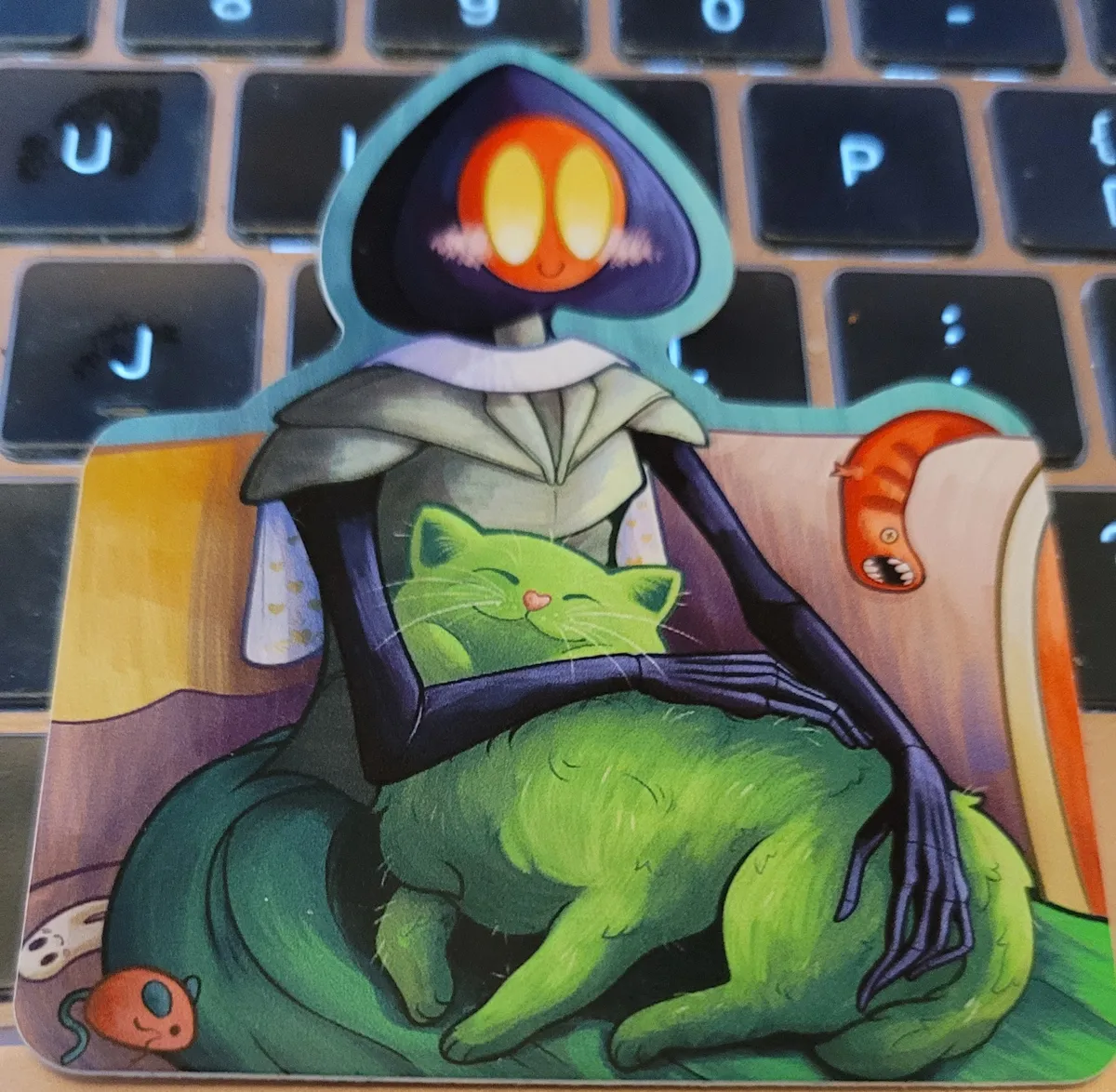
Eldritch Rach's Flatwoods Monster With Her Cat, based on Child with Cat by Renoir, but with the Flatwoods Monster holding her Cactus Cat, plus there are little Mongolian Death Worm and Fresno Nightcrawler plushies. Aww.