Learning Python, Day 2 — "Code Python on the Web" and Variables
Today I'm going to learn how to code Python on the web, using Google Colab, and then learn about Python variables.
3.0 — Code Python on the Web
I'm not a complete naysayer on Google products. I mean, hell, I have a Gmail account. I use their work tools. I don't use their search any more, but that's because it's not helpful and, besides, Ecosia plants trees, which is nice.
But, dang, the need to inject AI into everything is strong.
For example, in the section on what to do if I get an error in my code, the lecture focuses on how there's a button that appears telling you to search Stack Overflow.
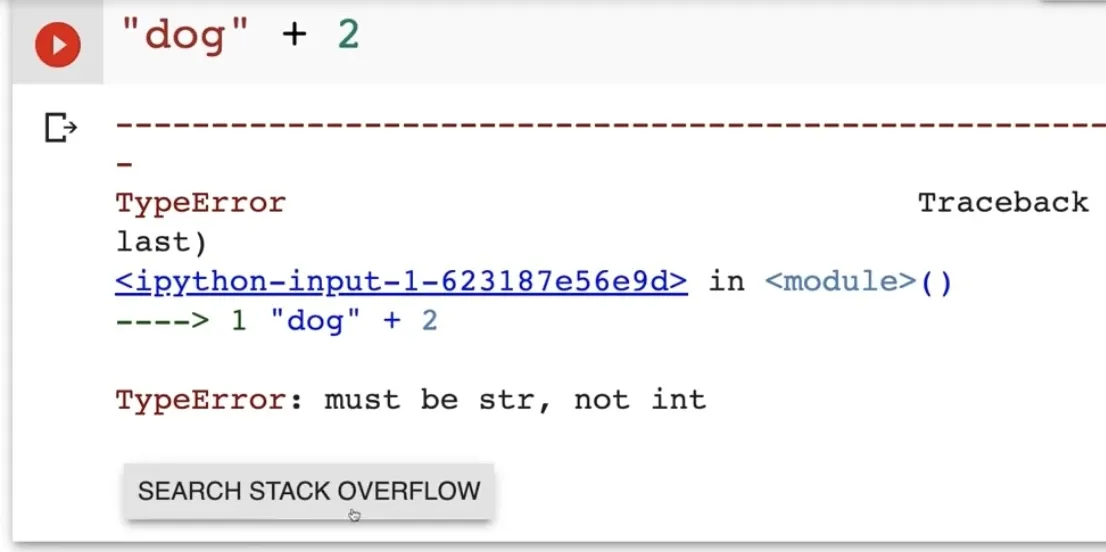
That is a helpful little button. I don't respect Stack Overflow too much, but I respect that little button.
But what do I get now?
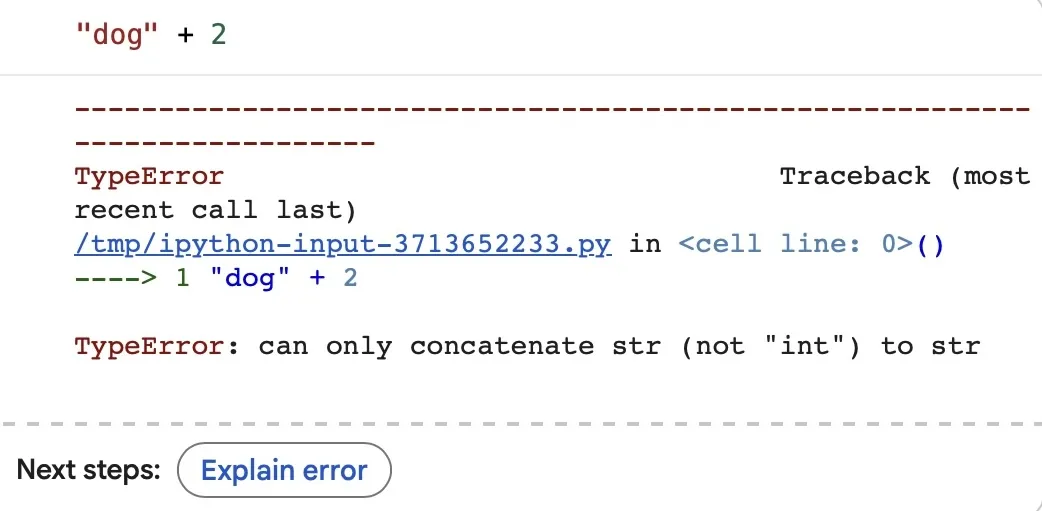
"Explain error".
Okay, how is it going to explain the error? You guessed it, it wants me to agree to using Gemini. And, no, if I'm fucking up my code, I don't want the bad improv partner machine to review it, always "yes, and..."ing me rather than actually telling me where I've gone wrong.
Luckily, Colab does have its AI preferences in the Settings, and even better, there is a "No, thank you, I will never learn if you keep this going" switch.
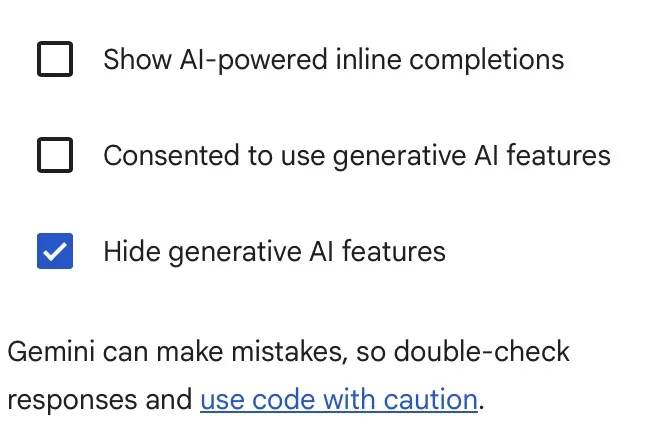
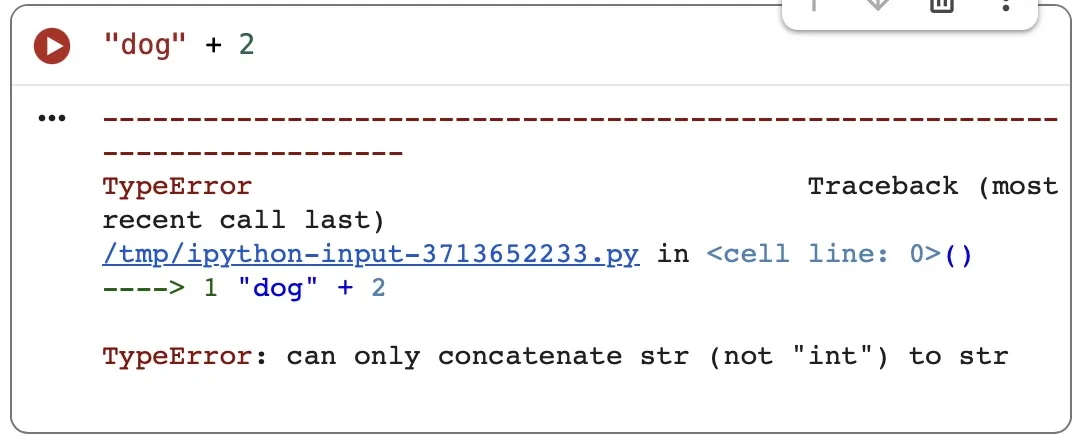
Unfortunately, now my errors are just errors and there's no handy button to take me to a page of search results, but I'll just open up a new tab and do it that way. It's fine. It's not annoying at all.
What is annoying is that the lecture that's supposed to go through the Settings cuts off after the first minute. It's mostly supposed to teach me how to enable "Corgi mode", so it's no real loss, but there might be something in the Settings that I need.
Like Crab Mode.
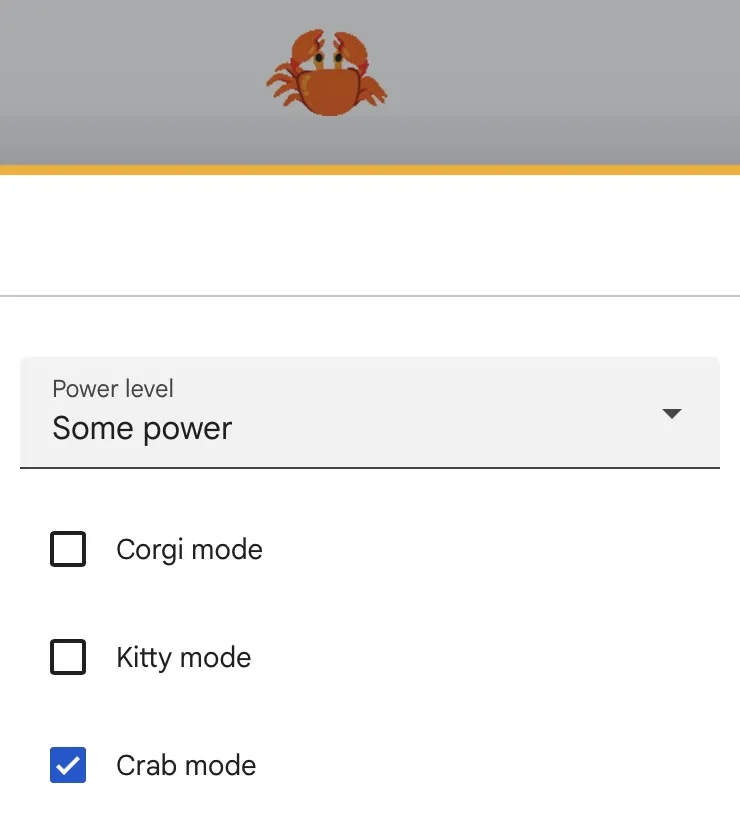
Hell yeah crab rave.
4.0 — Python Variables
Now we're actually getting into it. I've learned the basics of computer science, I've dicked around with Google Colab, now I'm getting into actual Python.
I do like how the lecturer is focusing on variable naming structure, especially pointing out that if you use abbreviations and not explaining exactly what your variables are, you will confuse your friends who are working with you.
Although I am side-eyeing the "You must use Camel Case" rule. Because they're showing it as lowercase-first-word + camelcase-additional-words, like, firstName or ageOfAnimal or thisVariableIsEspeciallyLongToShowOffTheProblem. And that is just confusing as hell. Why only the first word? Why not all of them? Why not none of them? myage works just as well as myAge or my_age (the other option they gave for naming variables).
Yeah, no, this just seems pedantic. And I'm sure this regularly comes up in drunk programmer fights.
I've also learned about data types. I knew most of these already, which is good, but I do think I'll have a hard time remembering float, because it's referring to the decimal point instead of the numbers. Then again, am I going to need to know the types of variables regularly? I guess I'll find out.
Also, learning about f strings is dangerous. You're just reminding me of MadLibs and now I am 10 and find this hilarious.
print(f"My name is {formalnoun}. I live in {location}. I spend a lot of time doing {activityone}, {activitytwo}, and {activitythree}.")
(Totally as a distraction, did you know you can print out a MadLibs Fortune Teller? Oh my god if I had this in the 4th grade, I would have been the COOLEST.)
Day 2 — Results
- You can turn off AI in Google Colab and my life is made better for it.
- I'm not going to use camel case for my variables because that just seems like a pain.
- Strings, integers, floats, and booleans are cool,
fstrings are even cooler. - MadLibs are still occasionally funny.
- CRAB RAVE CRAB RAVE CRAB RAVE
Tomorrow, there are two sections titled "The Number Doctor Python Operators" and "The String Doctor Operate on Strings".
...are those even proper sentences? Guess I'll find out tomorrow.
Today's Sticker
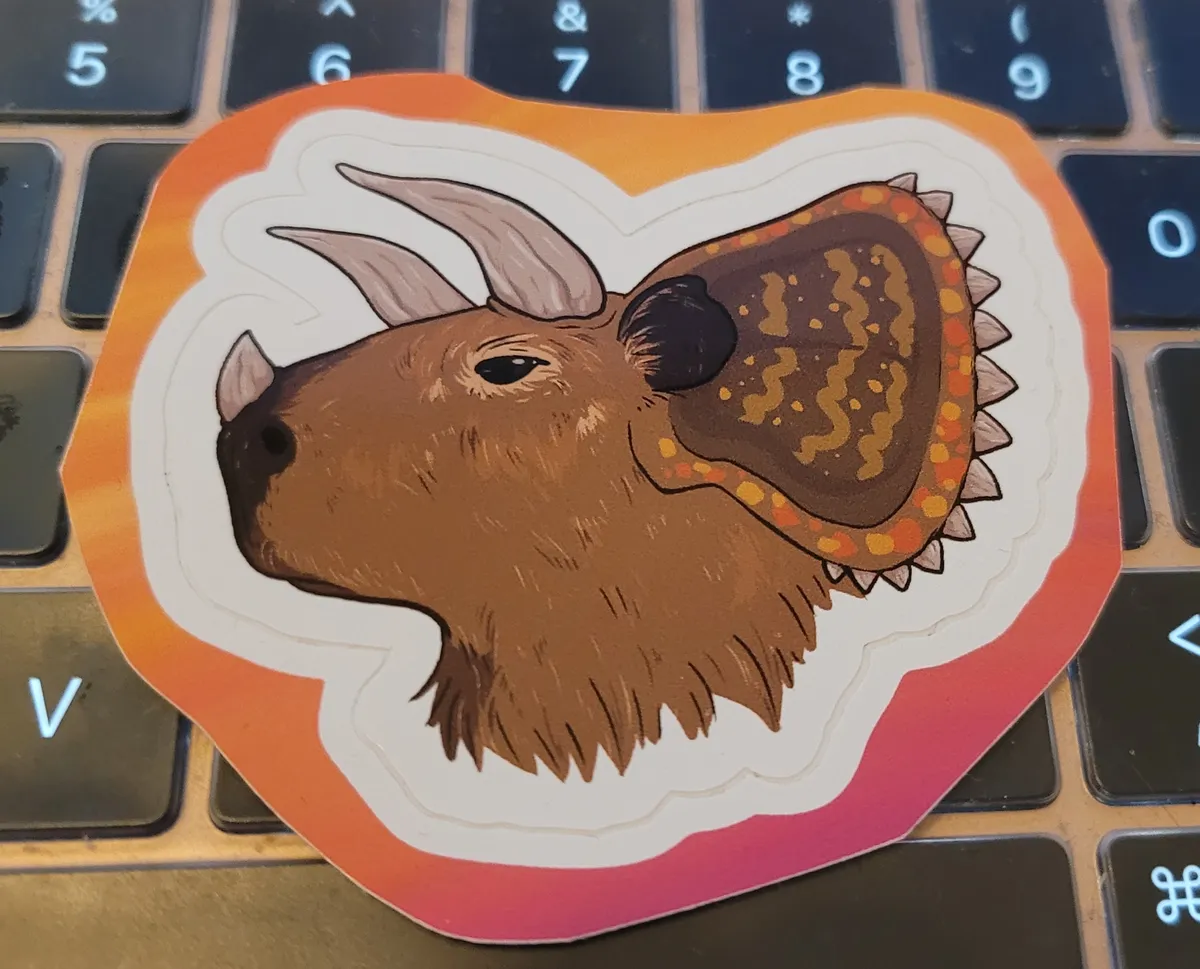 Capybaratops from Shifty Thrifting