Learning Web Development, Day 8 — Rows and Featurettes
I actually think I learned something over this Bootstrap tutorial. It's not Bootstrap-related, but it might end up being something nifty that I can use. When I figure it out, it'll be a blog post, obviously.
Today, however, it's more Bootstrap.
I'm not going to copy/paste the whole page code again. That's just annoying as all heck. I was going to link to the JSBin I'm working in so you could see that, but apparently I can't unless I pay, and...naw.
So, instead, you're just going to have to deal with chunks of code that don't have larger context.
Deal with it.

02 — Bootstrap Project 1
I can't actually figure out where is a good stopping point this time around. Like, on Tuesday, it made sense to just be the carousel. But there are all these random bits now and it doesn't seem to have a clear break until Lesson 13, which is when it starts being about the Contact Form.
So I'm going to see how far I can go without suddenly snapping.
08 — Adding Service Pages
The instructor starts by telling me how minimalism is always a good choice. Nope. Maximalism web design. All the design. That's where we all went wrong, we lost our need for stuff.
You would think that if I love maximalism so much, I would like Bootstrap, because lord knows it has piles and piles and piles of classes, but...no. I like my shelves to be as bare and strong as possible so that I can fill them up with all my nonsense, not overly complicated shelves that keep making everything difficult.
For example:
<span class="font-italic">Subtitle here.</span>
WHY. WHY font-italic?
I also like that, at the end, the instructor tells me to not just copy/paste the current row (WHY is there class="row" by the way), but to "see what's behind the CSS".
This is the first time anyone has mentioned this. This is the first time anyone has made a comment about actually understanding what the code does, rather than just how great Bootstrap is for making quick pages. And I don't think it's going to work.
It certainly doesn't work for me. I can see what it's doing, and I dislike it.
...And I just noticed that they're repeating block and block-1 in the CSS. Damn, girl, you live like this?
09 — Add Row And Column
I'm not entirely sure where I went wrong, but nothing showed up in this until I just copy/pasted the source code in. It'd be nice if JSBin, like, highlighted if I missed off something, but, then again, that does seem like effort. And I can't really bring myself to figure out why it wasn't behaving.
I also understand that you want students to understand that people make mistake and how to debug, but I still think it's a bad choice to include all your mistakes and your debugging in the video. Especially when it's just long pauses and going "I don't know what happened here."
This isn't live, you can edit. You can edit it entirely out so that no one even knows you did this.
Also, the source code for this lesson works, but the version the instructor is recording does not. Why.
10 — Display Featurettes and Begin Mobile-First Design
Apparently this error is entirely a JSBin lag issue. WHY DID YOU INCLUDE THIS.
The instructor also keeps on going on and on about mobile-first. This just reminds me of when the local paper decided to make their design "mobile friendly", which just meant adding swathes of white space and making everything a larger font size.
It didn't last. All that white space was perfect ad space.
Day 8 — Results
font-italicis really a class you can bring in from Bootstrap- You can also bring in rows and columns
No, I didn't learn much today. I didn't do much today. But at least I'm getting through this annoying thing.
Today's Sticker
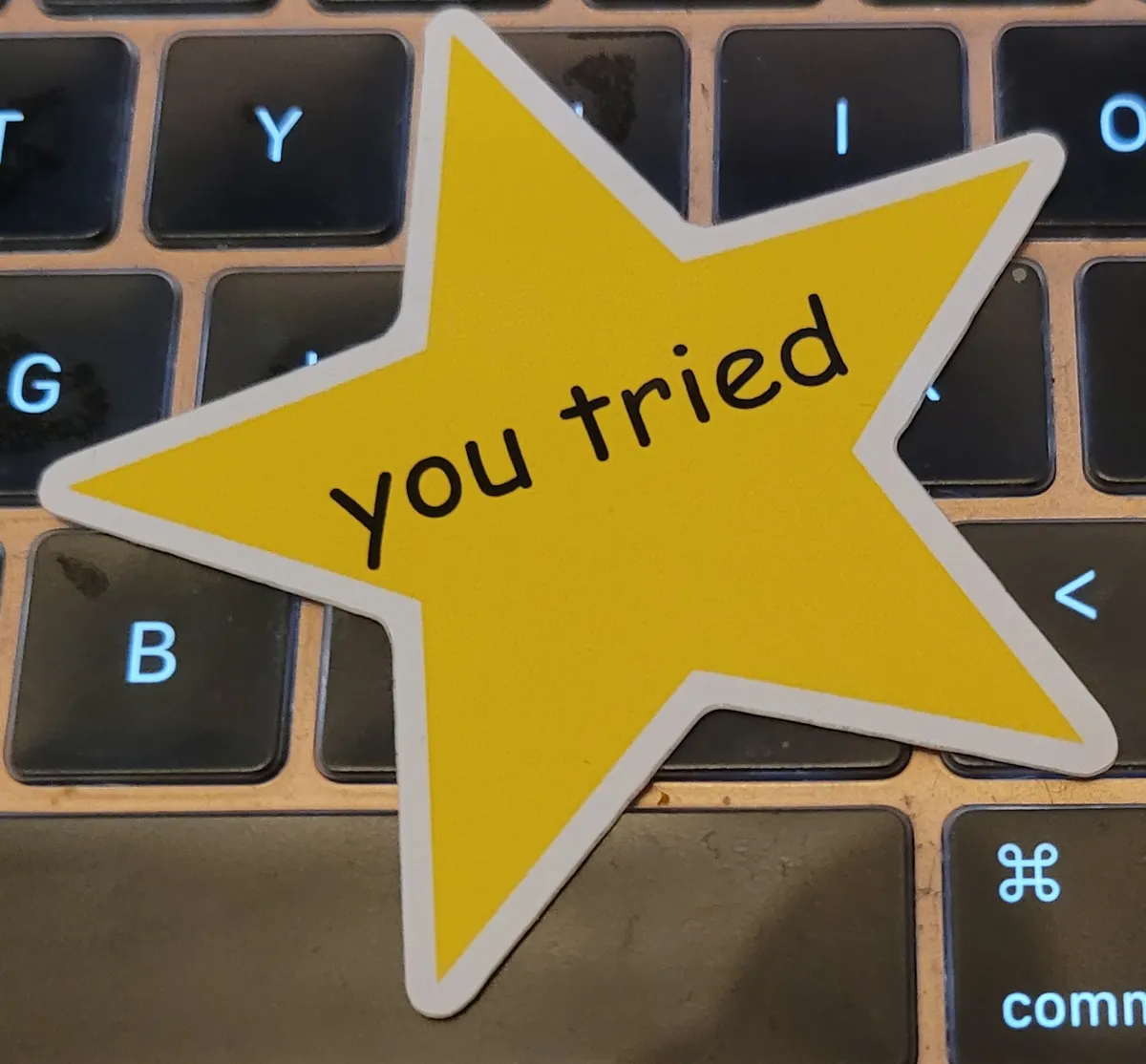
The classic. Because if I could give this instructor anything it would be You Tried.