Learning Web Development, Day 9 — Flex, Forms, and Footers
Oh my god how much more do I have of this. Five more videos. Okay. This can be done.
I honestly don't know if I'll get through the second project, though. I am really feeling my enthusiasm for all web design and development fading away, thanks to Bootstrap.
I mean, there's still stuff I want to play with, but, man, there is nothing quite like Bootstrap to crush all individuality and creativity out of your life, is there?
02 — Bootstrap Project 1
FIVE. MORE. VIDEOS. IT. CAN. BE. DONE.
This is as much of a test of my desire for knowledge as it is for my attention span. I'm already going, like, "I wonder if I can find a new pair of white trousers so Sandy Bawls can make an appearance at the Queer Open Mic Night on Thursday..." or "Finch wants me to take a walk every day now, I wonder how long it'd take me to get to that new housing estate with the Popeyes..."
But, no. I said I would finish this course, and I will. I WILL.
11 — Responsive Columns with Flexbox
I'd love to actually see what responsive columns with Flexbox would be without using Bootstrap, but I guess I get this instead.
"Mobile-first means that your code is optimised for mobile"
It does look like most of this will not involve Bootstrap, because the instructor jumps into
@media screen only and (min-width: 700px) {
	.block-2 {
	display: flex;
	flex-direction: row;
	}
}
Which, okay, that's kinda cool. But then.
"And why are we using display: flex? Because flex is similar to Bootstrap in that it applies automatic styling. It makes a row for us."
Um. Maybe it's just me, but doesn't all CSS apply automatic styling?
And then there's this bit:
  .first-order-responsive {
    order: 1;
  }
  .second-order-responsive {
    order: 2;
  }
This is being applied here:
<div class="row featurette py-5 block block-2">
	<div class="col-md-5 py-5 text-center
	second-order-responsive">
		<svg class="bi bi-eye" width="10em" height="10em"
		viewBox="0 0 16 16" fill="currentColor"
		xmlns="http://www.w3.org/2000/svg">
			<path fill-rule="evenodd" d="M16 8s-3-5.5-8-
			5.5S0 8 0 8s3 5.5 8 5.5S16 8 16 8zM1.173 8a13.
			134 13.134 0 001.66 2.043C4.12 11.332 5.88 12.
			5 8 12.5c2.12 0 3.879-1.168 5.168-2.457A13.134
			13.134 0 0014.828 8a13.133 13.133 0 00-1.66-2.
			043C11.879 4.668 10.119 3.5 8 3.5c-2.12 0-3.879
			1.168-5.168 2.457A13.133 13.133 0 001.172 8z"
			clip-rule="evenodd"/>
			<path fill-rule="evenodd" d="M8 5.5a2.5 2.5 0
			100 5 2.5 2.5 0 000-5zM4.5 8a3.5 3.5 0 117 0
			3.5 3.5 0 01-7 0z" clip-rule="evenodd"/>
		</svg>
	</div>
	<div class="col-md-7 first-order-responsive">
		<h2 class="featurette-heading py-5">Service title.
		<span class="font-italic">Subtitle here.</span></h2>
		<p class="lead">Your service description here.</p>
	</div>
</div>
Which, okay, I guess makes sense, but it is awfully long and clunky and calling things first-order just makes me think of The Force Awakens and you briefly get happy but then you remember The Rise of Skywalker and, welp, there goes my smile.
I do like see what order does, though. And that is hella neat. I need to apply this sort of thing into my main site, especially what with the knitting patterns and all. I already have a print stylesheet in place, because I know people love to print stuff out, but I could do a lot more.
12 — Link To Pages In A Carousel
We made buttons in our carousel before. Well, they're supposed to be buttons, but they're really just
<a class="btn btn-lg btn-primary" href="#" role="button">
Learn more
</a>
Why is this not an actual <button>? I do not know.
Anyways, in this one, we're adding IDs to the featurettes and then linking the carousel buttons to the featurettes. It's not all that exciting.
It does kinda drive me up the wall a bit when it comes to the page layout in general, though. Like, why am I linking down to the very next panel in the page? Surely someone can just scroll down a little bit to see it? Do we really need all of this?
13 — Build A Contact Form
I'm sorry, everyone. This is going to be painful.
I still don't know why we're using <div> across the rest of the site, and then suddenly the contact form is <section>. It makes no sense. Why aren't they all sections?
And then. Oof.
<h2 class="h2-responsive font-weight-bold text-center my-4">Contact Us</h2>
Will someone please explain to me why I need to add the font-weight-bold class to an H2? What is even happening here? It's a heading!
Man, I haven't even gotten into the tricky part of contact forms and I'm already hating on it.
There's also h2-responsive and in the paragraph, w-responsive. Surely a heading and a paragraph are already responsive because they're just text? There isn't any other formatting attached to them? Why this?
Are half of these things because Bootstrap screws up your design and then you have to keep putting in classes in order to set everything right again?
There are also waaaaay too many divs again. I mean, look at this:
<div class="row">
	<div class="col-md-9 mb-md-0 mb-5">
		<form id="contact-form" name="contact-form"
		action="mail.php" method="POST">
			<div class="row">
				<div class="col-md-6">
					<div class="md-form mb-0">
						<input type="text" id="name"
						name="username"
						class="form-control">
						<label for="username">
							Name
						</label>
					</div>
				</div>
			</div>
		</form>
	</div>
</div>
I mean, okay, great, there's a <label>, good for them, but I always thought that the <label> wrapped around the <input>, like this:
<label for="username">User Name:
<input type="text" id="name" name="username">
</label>
I could be confused, though. It was usually how I did things back when I was making forms. Which was in, like, 2007, so, y'know, ancient times.
(Even in my personal projects, I tend to not make forms, because I'm like "DO NOT CONTACT ME DO NOT PERCEIVE ME".)
I did completely forget about <textarea> though.
And I'm pretty sure you include a "Submit" button inside the <form>, not this:
<a class="btn btn-primary text-white"
onclick="document.getElementById('contact-form').submit();">
Send
</a>
Yikes.
And then.
<div class="col-md-3 text-center">
 <ul class="list-unstyled mb-0">
   <li>
     <i class="fas fa-envelope mt-4 fa-2x"> </i>
       <p>hello@company.com</p>
   </li>
 </ul>
</div>
Repeat: Yikes.
Why is your icon in an <i> what are you doing.
(Every time I say "Yikes", I'm saying it as Peter Weller did in Panos Cosmatos's The Viewing when someone makes a joke about him voting.
"Voting. Yikes."
Also, if you haven't seen The Viewing as part of Guillermo del Toro's Cabinet of Curiosities you have missed out on a wonder of synthesizers, brutalist architecture, astounding lighting, and something strange from space. Oh, and Charlyne Yi, who I always love.)
14 — Fine Tune The Contact Form
I refuse to believe that you can fine-tune a contact form in less than 3 minutes.
But apparently, this is as long as it will take.
I do like that I'm being told to test in different browsers. Good. Remind them of that. Test it in Lynx.
TEST IT IN LYNX. I DARE YOU.
I don't think I like how you do margins and padding in Bootstrap. Adding in py and px and so forth just seems...too busy. Like, you could just have padding: 5% 2% in your CSS instead of py-5 px-2. Okay, you're not really saving on characters, but it just feels better to me. It makes more sense.
15 — Build A Footer
I do believe you can build a footer in three minutes and 50 seconds. That makes sense to me.
But wait a second...
<p class="float-right">
<a href="#">Back To Top</a>
</p>
Why are you using a float? Didn't we just go through newer CSS that means you don't have to use a float? Why is that there? What is happening? Whyyyyyyyyy.
Day 8 — Results
- You can set a minimum width for your styles using
@media screen only and (min-width: NUMBERpx). - You can also adjust the order in which things appear by using
order. - Thankfully,
orderdoes start with 1 and not with 0. - Include
<label>s with all your<input>s when building a form. - Remember that
<input>doesn't have a closing tag, but<textarea>does. - Apparently, yes, Bootstrap still includes
float. Yeesh.
Well, I did manage to learn a few things, and I got to remember a few more things, and it wasn't quite as painful as I feared.
Still pretty painful though.
Do I actually want to go through the second project and make a product page?
I don't know.
I mean, on the one hand, it'll show me what people are doing when they're building product pages, so I can point out their flaws when I am looking over their work. But, on the other hand, that's a lot more Bootstrap, and I just don't know if I can take the pain.
I'll figure it out tomorrow. Maybe I'll be more cheerful then.
Today's Sticker
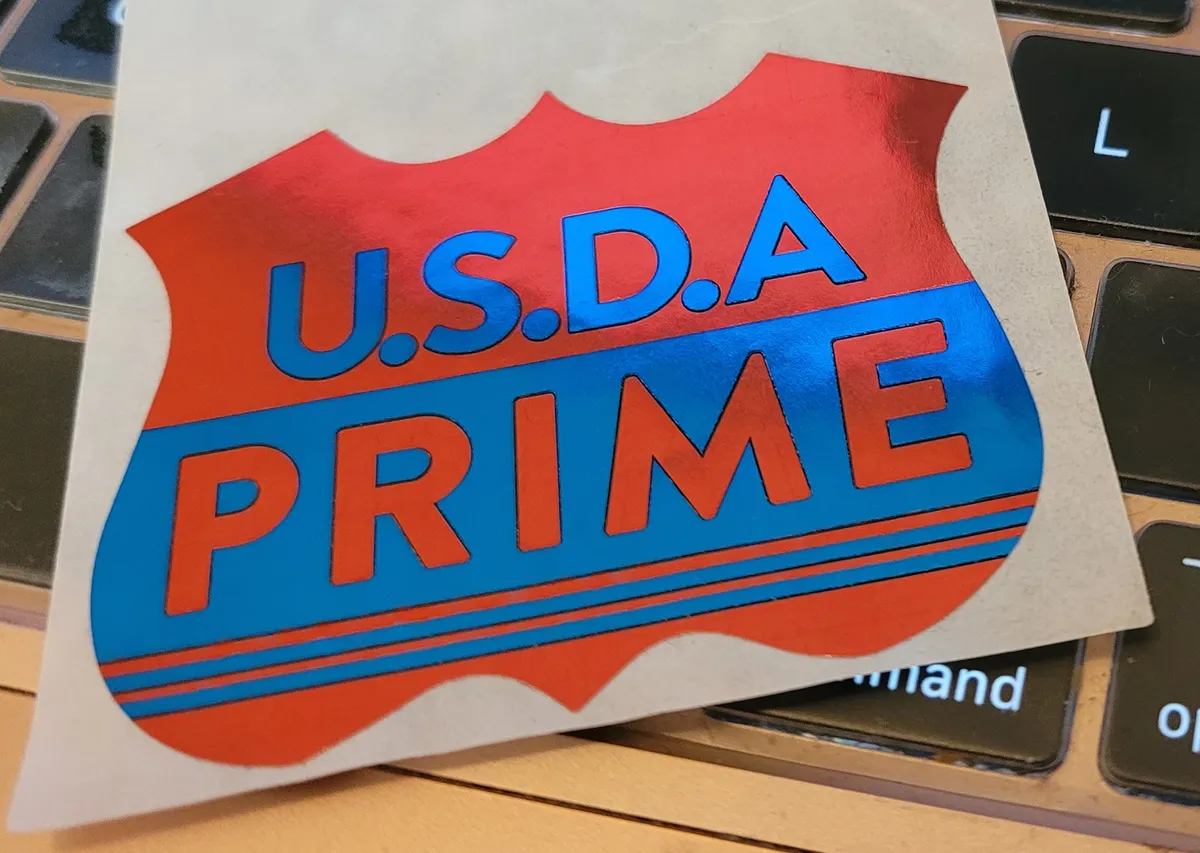
One of my many supermarket-related stickers from my monthly Shifty Sticker Club deliveries. For those beefcakes you know and love, they're all USDA PRIME.