JavaScript Programming Fundamentals, Day 1 – Getting Started
Out of the giant pile of courses I have in AI Automation for n8n, Python, and Modern Workflows course bundle I have, I decided to start with the Python refresher. I figure that'll help me remember what it is before I get into more detailed stuff.
Before I got this course, I hadn't heard of n8n. Its website does suffer from too much jargon and not enough actual content, but it basically lets you connect a bunch of different things to build out fancy workflows, including AI chatbots.
I doubt I'm actually going to include an AI chatbot in, like, most of my stuff, but I do like how I can take large quantities of data and process it through n8n automatically.
But, first, I need to refresh my Python skills. I know it's only been, like, a month, but I am a very forgetful person. It will do me good to go through it again.
7-hour Python Programming Fundamentals for n8n
The course starts with "Submit a Question/Feedback". This is entirely the wrong place for it, because I haven't even started the course.
Python Introduction
Oh hey, this instructor is the dude who did a huge chunk of the other Python course.
Oh.
It's the exact same course.
Never mind.
12-hour JavaScript Programming Fundamentals for n8n
Welp, looks like I'm learning JavaScript instead. Which, actually, I suppose I do need to learn at some point.
I'm kind of amazed that they say this is a 12-hour course, when the curriculum looks like this:
- Introduction to HTML (16 videos)
- Introduction to CSS (17 videos)
- Introduction to JavaScript (38 videos)
- Advanced JS - 01. Introduction (5 videos)
- Advanced JS - 02. Next Generation JavaScript (7 videos)
- Advanced JS - 03. Arrow functions (7 videos)
- Advanced JS - 04. Features in ES 2020+ (7 videos)
- Advanced JS - 05. Parameters (6 videos)
- Advanced JS - 06. Maps (5 videos)
- Advanced JS - 07. JavaScript Classes (7 videos)
- Advanced JS - 08. Asynchronous JavaScript (11 videos)
- Advanced JS - 09. Summary (1 video)
I mean, okay, I can blitz through most of the HTML and CSS stuff, but, really? 127 videos in 12 hours? That means, like, nearly 11 videos per hour. Are all these videos really less than 6 minutes long, especially since the freakin' Mammoth Club intro takes, like, a good 5 seconds right off the top? Not to mention the "Thanks for watching" 5 seconds at the end as well.
But, hey, let's go through the Introduction to HTML and get that sorted.
01 — Introduction to HTML
There's a quiz at the end of this. I should not love quizzes as much as I do. I immediately revert back to six-year-old smug little smartass me, and go "I am going to get SUCH a good grade in HTML".
This is apparently based on a one-hour HTML course, so I expect it's going to rush through the important stuff. But this is definitely for complete beginners. I appreciate what the instructor is doing, he's really explaining things and getting into why you do things. Which is nice.
These are all astoundingly short videos, roughly around 3 minutes each, so no wonder everything can get done in an hour.
I don't know about including the <i>, <b>, and <u> tags, though. I mean, why not include <font> while you're at it.
(I kid, I kid. He showed how you can use the style attribute instead. Woo, font-family: Impact. Living the dream there, kids.)
Things that are lovely:
- Definition lists! I love you, definition lists.
- Explaining that tables are for data
- Showing off the different
<input>types - Showing that everything used to all be in the same document
Things that I am annoyed by:
- Using
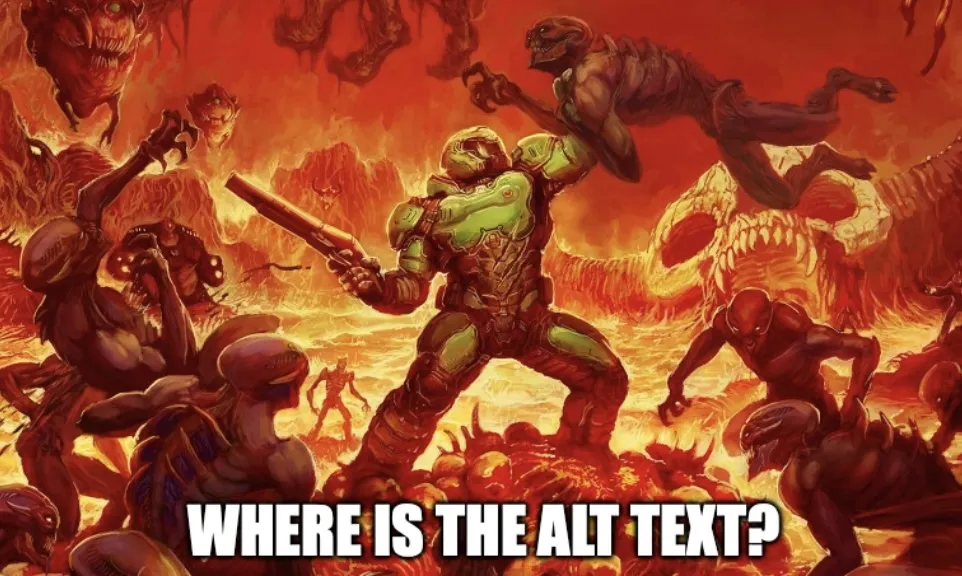
<b>to style text. <table border="1">- WHERE IS THE ALT TEXT?
Really, there's nothing in here I don't already know. Shoot, I've been writing HTML since 1995, so while you can teach an old dog new tricks, basic HTML is not one of them.
The quiz pissed me off, though.
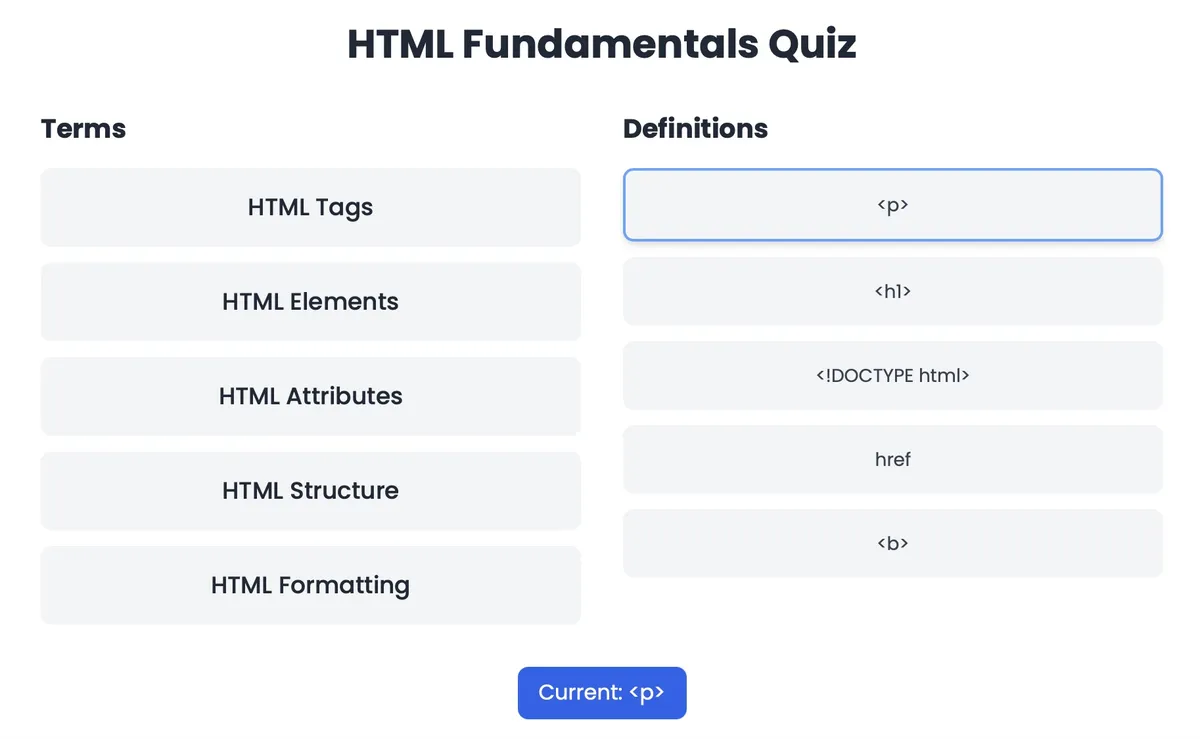
Can you guess where?
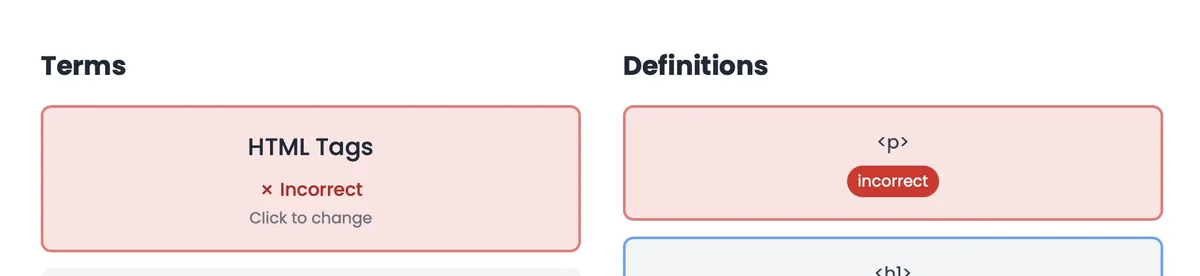
THAT IS AN HTML TAG, HOW DARE YOU.
Apparently, no, you're supposed to pair the <p> with HTML Elements and the <h1> with HTML Tags. How dare you. How dare you do this to me. Try to give me a failing grade on this, swear to god.
02 — Introduction to CSS.
This is a one-hour CSS course. I am obviously not going to go through each and every video, I'm going to skip through most of it and only point out things that annoy me.
And it starts by calling < and > "triangle brackets". What? Why are you calling them that?
God, I bet you go "curved brackets" (()) too. Swear to god, I'm going to start calling everything by its Unicode name.
<>: Mathematical Angle Brackets(): Parentheses{}: Curly Brackets[]: Square Brackets#: Number Sign*: Asterisk- ☙: Fleuron
The things you learn when you're mad at something, huh?
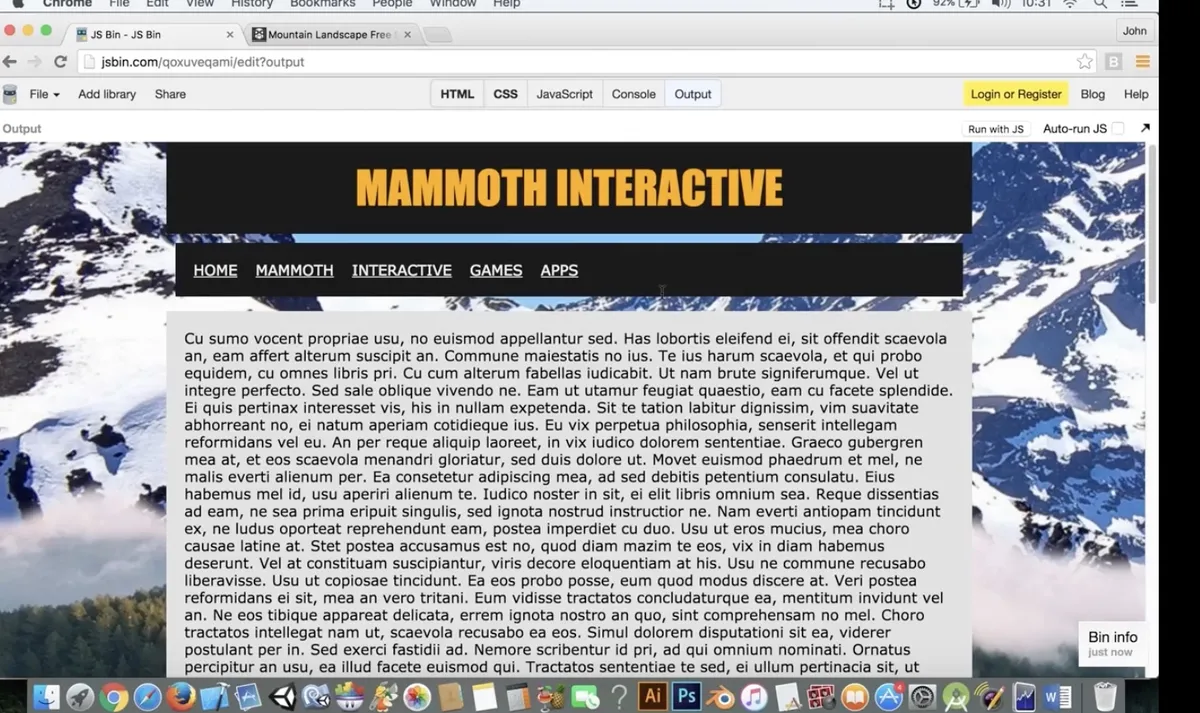
Also, he's putting all the styles directly into the HTML. Noooo, teach people proper CSS from the start, not
<h1 style="color: orange; background-color: black;
font-family: Impact; font-size: 50px">Mammoth Interactive</h1>
Painful. So painful.
I mean, okay, he does take it to the CSS to show that you can get the exact same formatting, just in a separate file that has
h1 {
  color: orange;
  background-color: black;
  font-family: Impact;
  font-size: 50px;
}
But I think I really would have preferred he showed the proper CSS structure from the start.
I have to admit, I didn't remember some of the font-family variations. It was mostly serif, sans-serif, and monospace.
I don't think I'll have much use for cursive or fantasy, but, hey, if I ever need to troll someone, font-family: fantasy is a good start.
I also can't quite get with using rgb() for colour values. I know, I know, it's more precise, but I also spent most of my time with the "There are only 256 HTML colours, you need the hex codes", so I'm kinda old-fashioned that way. 0 to 9, A to F, live the dream.
He seems to be mostly teaching CSS as a way to style text, rather than style the page, but, to be fair, I am skipping through it pretty quickly. Definitely focusing on styling the actual tags, not bringing in a bunch of <div>s, like Bootstrap would.
It is feeling very 2010, especially with the design he's doing:
That takes me back woo boy.
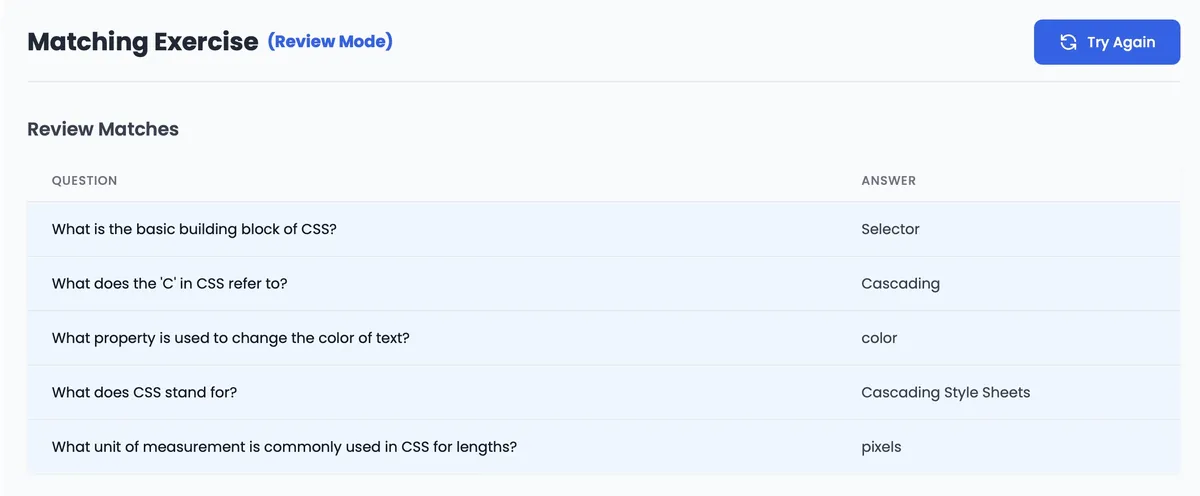
The quiz is a matching game, which I am not good at, because if I'm not completely focused, I will forget what's where, but at least the questions aren't too painful.
Day 1 — Results
- There is no point in redoing a Python course
- HTML is HTML is HTML
- CSS is CSS is CSS
- The little flower symbol you can use in a document as an ornament is called a fleuron. ☙
font-family: cursiveandfont-family: fantasyare also font families you can use. You troll.
Tomorrow, I'm starting the JavaScript course. I think it's the same dude, it'll be about an hour with really short videos, and I figure, eh, what the hell, give me some of that 2010 JavaScript so I know what not to do.
Today's Sticker

This sticker came today with my EMP order, so although the sticker is boring, my brand-new Magikarp swimsuit is not.
AW YEAH MAGIKARP.